
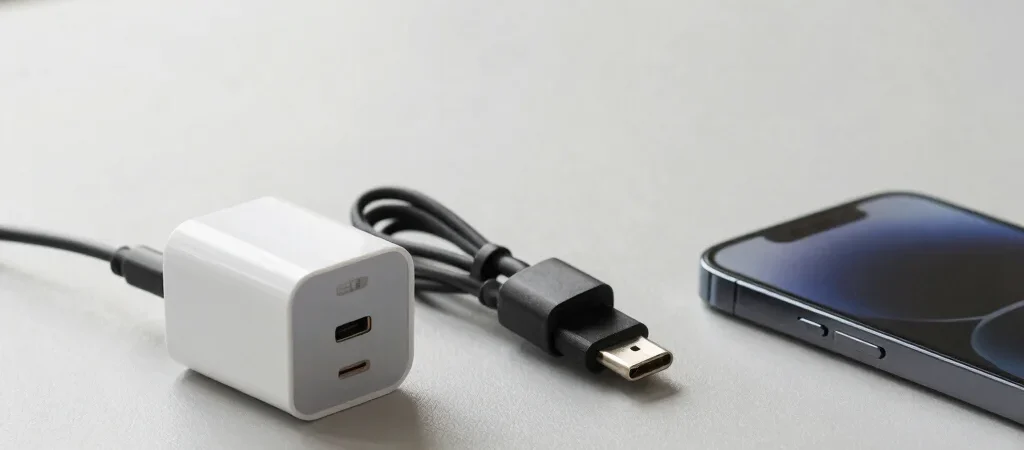
A charger that stays in your backpack has a different job from one that sits on your desk powering a phone, tablet, and laptop. The useful comparison isn’t just compact versus powerful; it’s whether the charger’s ports and output match the devices you actually bring.
Start with your devices
Check the charging guidance for each device, especially a laptop, then compare it with the charger’s stated USB-C output. A phone-only setup may not need the same capacity as a bag that includes a laptop. The right fit is the one that can serve your main device without making you carry a second charger.
A single-port charger keeps the choice simple and may suit someone who charges one device at a time. Multi-port models are more flexible, but their total output may be divided among connected devices; check the product specifications for how power is shared. Also consider the size of the charger and whether its plugs could crowd neighboring outlets.
Don’t overlook the cable
Please choose display type!

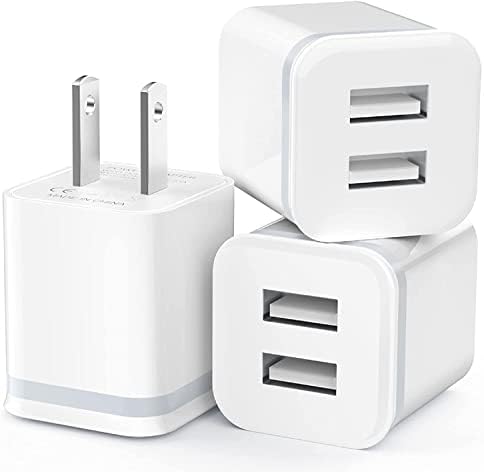
A USB-C connector describes the plug, not every capability of the cable. If you expect to charge a laptop, confirm that the cable supports the power level you need, rather than assuming any cable will do. For travel, a cable long enough to reach a café table or hotel nightstand can matter more than a feature you’ll rarely use.
Choose for your usual day
For a phone and earbuds, a compact single-port option may be the cleaner everyday carry. For a laptop plus smaller devices, prioritize clear multi-port output details and a suitable cable. An affiliate link may earn Curious Gadgets a commission from a qualifying purchase; compare the specifications with your own devices before choosing.